
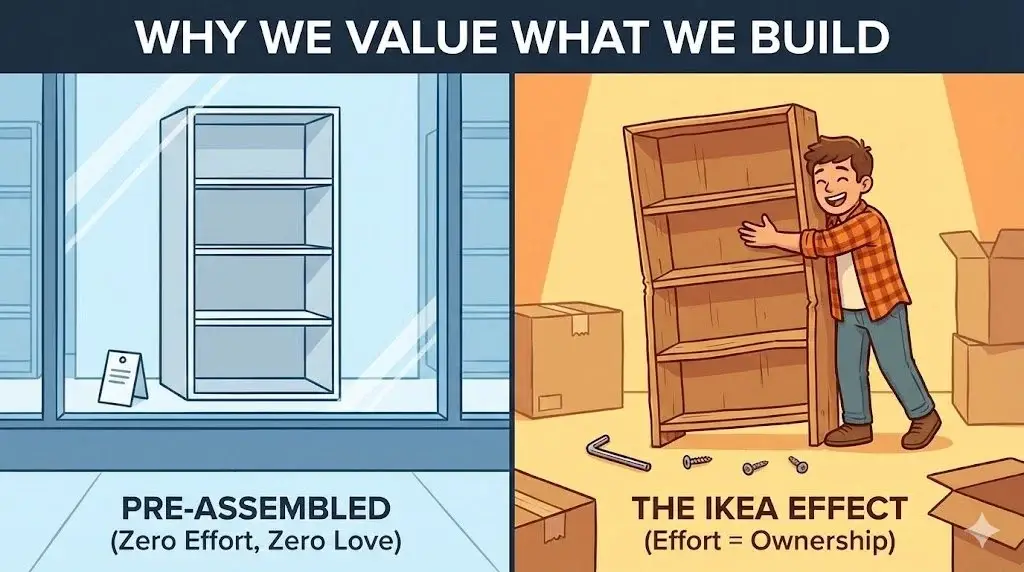
The Wobbly Bookshelf Paradox
There is a strange paradox in human psychology. We hate work, but we love the fruits of our labor. Researchers Dan Ariely, Michael Norton, and Daniel Mochon dubbed this the “IKEA Effect.”
In their experiments, they found that people who built a simple LEGO set valued it significantly higher than people who were just handed the completed set. The act of creation—even a simple, guided one—creates a cognitive bias. We assume that anything we spent time on must be valuable.
The “Zero Friction” Mistake in Tech
In the world of digital products, “Friction” is a dirty word. Product Managers and Designers spend countless hours trying to shave milliseconds off user flows. We want “one-click” everything.
But when it comes to Onboarding, zero friction can mean zero commitment.
Imagine signing up for a complex project management tool like Asana or Jira.
- Scenario A (Zero Friction): You sign up, and land on a perfectly pre-configured, generic dashboard. It’s easy, but it’s not yours. You look around, don’t feel connected, and leave.
- Scenario B (The IKEA Approach): You sign up, and the app asks you: “What is your team name? Okay, now create your first project board. Now, drag your first task into the ‘To Do’ column.”
Scenario B takes longer. It has friction. But by the time you are done, that dashboard is uniquely yours. You built it.
Investment leads to Retention
The IKEA Effect is closely related to the Sunk Cost Fallacy. The more time and effort a user invests in configuring your product—uploading data, customizing settings, inviting colleagues—the harder it becomes for them to leave.
Leaving means throwing away all that work.
If you make onboarding too easy, the switching costs are near zero. If I haven’t customized Slack, moving to Microsoft Teams is painless. If I have spent 6 months building custom workflows and integrations in Slack, moving is a nightmare.
How to Apply “Positive Friction”
As a PM, you need to distinguish between bad friction and positive friction.
- Bad Friction: Confusing UI, slow load times, bugs, unclear copy. (Remove this immediately).
- Positive Friction: Meaningful steps that require the user to input something of themselves into the product to unlock value.
Designing the Digital Allen Key:
- Don’t use empty states: Never drop a user into a blank screen. Give them a scaffolding to build upon.
- The “Progress Bar” Hack: Show them a checklist: “Your profile is 20% complete. Add a photo to get to 40%.” We have a psychological need to complete sets.
- Forced Customization: Don’t guess what they want. Ask them. Make them tap buttons to define their preferences before they see the core product.
Conclusion
Don’t deprive your users of the joy of building. A product that is effortlessly set up is effortlessly abandoned. Give them the tools, give them the instructions, and let them sweat a little. They’ll love you for it.